Choosing between a Mac mini and a Windows PC is a common confusion today, especially in India where budget, performance, and long-term value matter a lot. Both devices are powerful, reliable, and popular, but they serve different types of users.
This blog explains the difference in simple Indian English, with real-world use cases, so you can decide confidently which one suits your needs, work style, and budget.
Understanding the Basics
What is Mac mini?
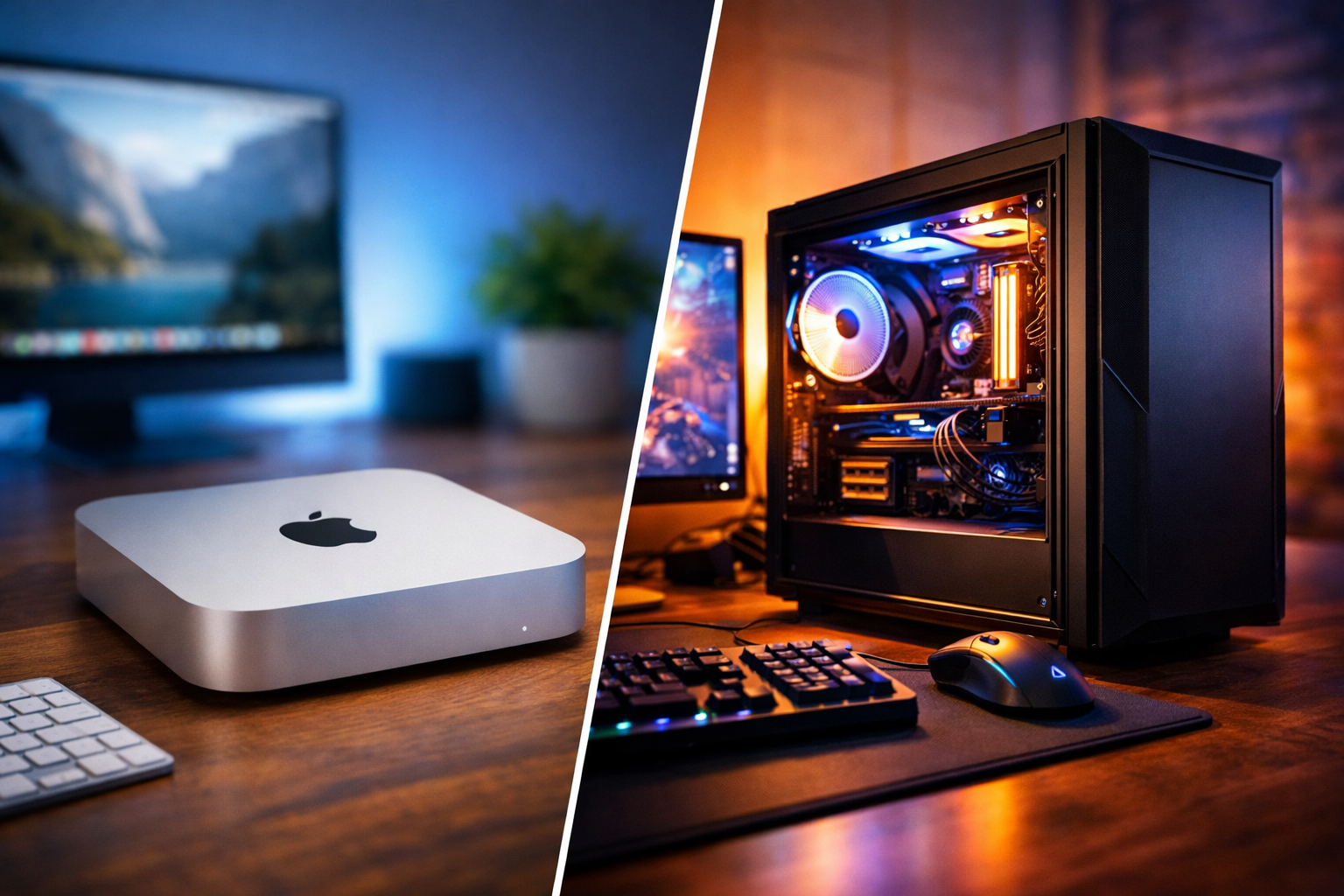
Mac mini is a compact desktop computer designed by Apple. It does not come with a monitor, keyboard, or mouse. You need to connect your own display and accessories. It runs on macOS and uses Apple’s own processors like M1, M2, or newer Apple Silicon chips.
What is a Windows PC?
A Windows PC can be a desktop or mini PC running Microsoft Windows. It comes in many forms—budget PCs, gaming desktops, workstations, and mini PCs. Hardware options include Intel or AMD processors with a wide range of configurations.
Performance Comparison
Mac mini Performance
Mac mini is known for its smooth and stable performance. Apple Silicon processors are highly efficient and optimized with macOS.
Key performance benefits:
Very fast boot time Smooth multitasking Low heat generation Silent operation Excellent performance for daily tasks and creative work
For video editing, music production, coding, and office work, Mac mini performs consistently well.
Windows PC Performance
Windows PCs offer more variety in performance.
Entry-level PCs handle basic tasks Mid-range PCs manage multitasking and editing High-end PCs handle gaming, 3D rendering, and heavy workloads
If configured properly, a Windows PC can be more powerful than Mac mini, especially for tasks requiring dedicated graphics.
Operating System Experience
macOS Experience
macOS is clean, simple, and stable. It is designed to work perfectly with Apple hardware.
Advantages:
User-friendly interface Very stable and secure Excellent trackpad and keyboard support Seamless integration with iPhone and iPad
Limitations:
Less customization Some professional or older software not available Limited gaming support
Windows Experience
Windows is flexible and widely used across the world.
Advantages:
Supports almost all software Easy hardware and system customization Strong gaming ecosystem Widely used in offices and businesses
Limitations:
Can feel cluttered Needs regular maintenance Updates sometimes interrupt work
Software Compatibility
Mac mini
Best suited for:
Video editing Music production App development Content creation Productivity tasks
However, many popular games and some business software are either unavailable or poorly optimized.
Windows PC
Best suited for:
Gaming Office and business applications Engineering and technical software Legacy and regional software General purpose usage
Windows offers the widest software compatibility, especially in India.
Gaming Performance
Mac mini is not designed for serious gaming. Only limited games are supported. Windows PC is the best choice for gaming. You can add a dedicated graphics card and enjoy high-end games smoothly.
If gaming is important, Windows PC is clearly better.
Upgradability and Customization
Mac mini
RAM and storage are fixed No internal upgrades possible Long-term performance depends on initial configuration
Windows PC
RAM can be upgraded Storage can be expanded Graphics card can be added or replaced Cooling and cabinet can be customized
For users who like flexibility and future upgrades, Windows PC is the better option.
Price and Value for Indian Users
Mac mini Pricing
Mac mini feels expensive initially, but it offers:
Premium build quality Long software support High resale value Low power consumption
Good choice if you want a stable long-term machine.
Windows PC Pricing
Windows PCs are available at every price range:
Budget friendly options Mid-range value builds High-end professional systems
You can build a Windows PC according to your exact budget and needs, which is very important for Indian buyers.
Power Consumption and Heat
Mac mini uses very less power and produces minimal heat Windows PCs consume more power depending on hardware Gaming PCs consume the highest power
For long working hours and electricity savings, Mac mini is more efficient.
Who Should Choose Mac mini?
Mac mini is ideal if you:
Use iPhone or iPad Want smooth and silent performance Do video editing, music, or creative work Prefer stability over customization Want a compact, premium desktop
Who Should Choose Windows PC?
Windows PC is ideal if you:
Want gaming performance Need wide software support Prefer budget-friendly options Want future hardware upgrades Use office, engineering, or business software
Final Verdict
There is no single winner between Mac mini and Windows PC.
Mac mini is best for users who value simplicity, stability, efficiency, and premium experience. Windows PC is best for users who want flexibility, gaming, customization, and budget control.
Your choice should depend on your work, budget, and personal preference, not brand name alone.
Conclusion
In the Indian context, Windows PC gives more freedom and value for money, while Mac mini offers a polished and reliable experience for creative and professional users. Think about your daily usage, future needs, and budget before making a decision.