A practical, human-friendly guide for creators who want quality without burning money
Starting a YouTube channel in India is easier than ever—but growing it is still hard. Most beginners think success requires expensive software, cameras, and subscriptions. In reality, many successful Indian creators built their channels using free tools.
Whether you are creating tech videos, vlogs, kids’ content, shorts, or educational content, the right tools can save you time, improve quality, and help you grow faster.
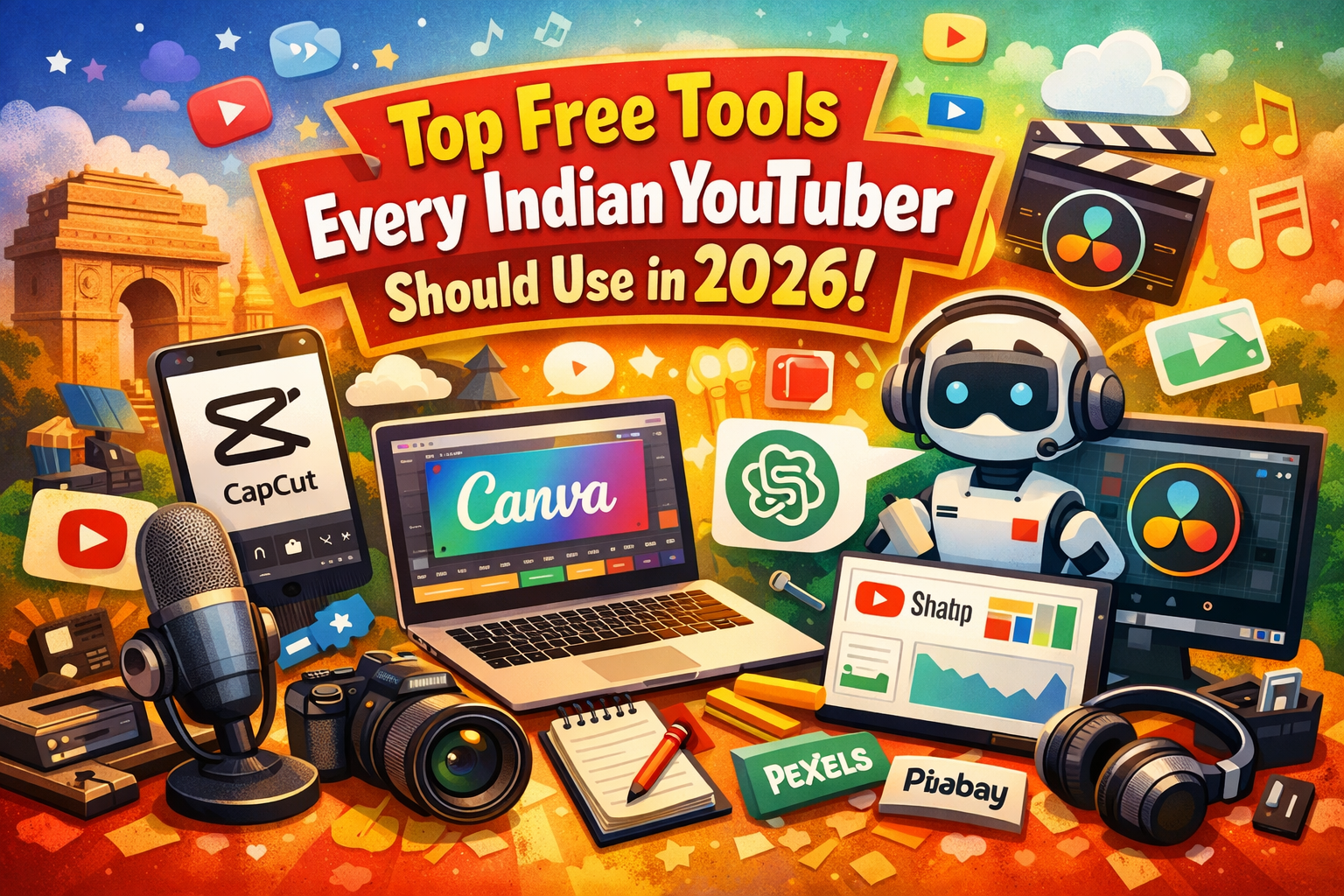
In this guide, I will show you the best free tools every Indian YouTuber should use in 2026—tested, practical, and beginner-friendly.
1. CapCut – Best Free Video Editor for Beginners & Shorts
CapCut has become the go-to editor for Indian YouTubers, especially for Shorts and Reels.
Why it’s powerful:
Works on mobile, PC, and Mac Auto captions in English & Hindi Trendy effects for Shorts No watermark on exports Easy timeline for beginners
If you are starting with Shorts, CapCut alone is enough to build a viral channel.
Best for:
Shorts, Reels, meme videos, quick edits
2. DaVinci Resolve – Professional Editing for Long Videos
For full-length YouTube videos, DaVinci Resolve is the most powerful free editor available.
What makes it special:
Industry-grade color correction Professional audio tools Smooth performance on Mac and Windows No export limit Used in real film production
It may look complex at first, but once you learn the basics, you won’t need any paid editor.
Best for:
Tech videos, tutorials, cinematic content, long-form YouTube videos
3. Canva – Thumbnails, Banners & Branding
A good thumbnail can double your click-through rate. Canva makes design simple—even if you have zero design skills.
Use Canva for:
YouTube thumbnails Channel banner Logo Instagram & Shorts posters
It offers thousands of templates in Indian styles and fonts.
Pro tip:
Create a fixed thumbnail style so your channel looks professional and recognizable.
4. Audacity – Clean Voice Without Cost
Bad audio can ruin even the best video. Audacity is a lightweight free tool to clean your voice recordings.
What you can do:
Remove background noise Normalize volume Add basic effects Export in high quality
Use it if you record with:
Mobile mic Wired earphones Budget condenser mic
5. Pexels & Pixabay – Free Stock Videos and Music
Not every video needs a camera. These platforms provide copyright-free assets.
You get:
HD & 4K stock videos Free background music Images for thumbnails No copyright strikes
Perfect for:
Explainer videos Motivation channels Tech reviews Storytelling channels
6. ChatGPT – Script, Ideas & SEO Support
Many Indian creators now use AI to save time.
You can use ChatGPT to:
Generate video scripts Create catchy titles Write descriptions & tags Plan content calendars Convert blog to video format
It does not replace creativity—but it multiplies your productivity.
7. YouTube Studio – Your Growth Dashboard
Most creators ignore YouTube Studio, but it is your most valuable free tool.
Use it to:
Understand audience retention Find best posting time Track CTR and impressions See what content works Improve weak videos
Growth is not luck—it is data-driven.
A Smart Free Workflow for Indian Creators
Here is a simple setup using only free tools:
Idea & script → ChatGPT Design thumbnail → Canva Record voice → Mobile/Mic Clean audio → Audacity Edit video → CapCut or DaVinci Resolve Add stock clips → Pexels Upload & analyze → YouTube Studio
This setup costs ₹0, yet delivers professional results.
Final Thoughts
In 2026, success on YouTube is not about money—it is about consistency, clarity, and smart tools.
Many Indian creators fail not because they lack talent, but because they:
Overthink equipment Delay starting Waste money on tools they don’t need
Start with free tools. Master them. Grow first. Upgrade later.
Your audience does not care what software you use.
They care about value, honesty, and connection.
And all of that is free.