
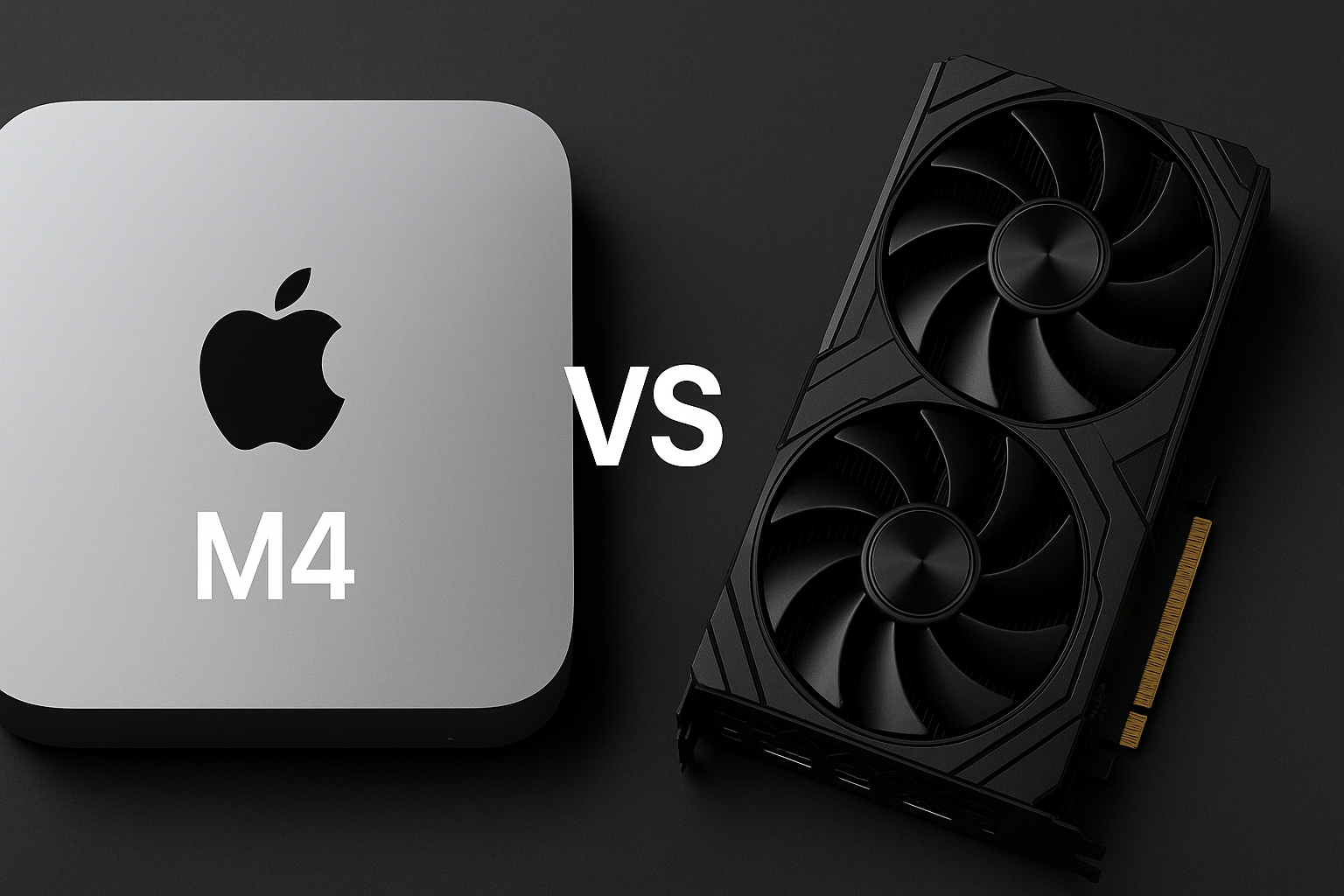
Choosing the right workstation for video editing is one of the most important decisions a creator will make. Whether you edit short social clips or full-length documentaries, the hardware you select directly affects playback smoothness, render times, color grading responsiveness, and overall creative flow. Two popular options stand out today: the compact, efficient Apple M4 Mac Mini, and a custom desktop built around a discrete graphics card (GPU). This post compares both approaches so you can decide which suits your workflow, budget, and software preferences.
Performance: Real-World Editing and Playback
The Apple M4 Mac Mini brings impressive all-around performance in a small chassis. Apple’s unified architecture couples the CPU, GPU, and memory in a single system that is highly optimized for macOS and applications like Final Cut Pro. For many creators working on 1080p and 4K timelines, the M4 delivers smooth real-time playback, fast scrubbing, and efficient hardware acceleration for common codecs. If your workflow relies heavily on ProRes, HEVC, or H.264 and you favor a quiet, energy-efficient studio, the M4 is tough to beat for its size and simplicity.
A discrete GPU-based PC, however, typically wins when raw GPU throughput matters. High-end GPUs offer far greater shader and memory bandwidth, which translates into faster GPU-accelerated effects, quicker render/export times, and more headroom for complex color grading, noise reduction, and third-party plugins. Applications that leverage CUDA or OpenCL—commonly used in Adobe Premiere Pro, After Effects, and DaVinci Resolve—tend to scale better on a machine with a powerful discrete GPU. If you regularly work with multiple 4K streams, 6K/8K raw footage, or many layers of effects, a desktop with a high-end GPU will often provide the performance you need.
Software Compatibility: Mac vs. Windows Workflows
Software choice can be the deciding factor. Final Cut Pro is tightly integrated with Apple Silicon and often performs exceptionally on the M4 platform. If Final Cut Pro is your primary NLE, the M4 Mac Mini offers a streamlined, reliable editing experience. On the other hand, many editors using Adobe Premiere Pro, After Effects, or specialized GPU-accelerated plugins will see tangible benefits from a Windows desktop with a powerful discrete GPU, especially if the tools are optimized for CUDA acceleration.
Similarly, DaVinci Resolve benefits from both strong CPU and GPU resources; on Apple Silicon it runs very well, but the fastest Resolve timelines—especially when using the Studio version with intensive grading and effects—frequently favor workstations with dedicated GPU power and larger GPU memory.
Upgradeability and Future Proofing
Upgradeability is another important consideration. The Mac Mini offers limited internal upgrades; what you buy at the time of purchase (RAM, storage) is largely what you will have for the life of the machine. This simplicity is attractive for users who want a stable, maintenance-free setup. Conversely, a desktop built around a discrete GPU is modular and upgradeable: you can swap in a newer GPU, add more RAM, or expand storage as your needs grow, which can extend the life and performance of your workstation significantly.
Price and Value
Value depends on the configuration and your priorities. Apple’s M4 Mac Mini delivers excellent performance per watt and a compact form factor, but high-memory and higher-storage configurations add cost quickly. A discrete GPU PC can be assembled across a wider price range—budget builds can be effective for lighter editing, while mid-range to high-end builds deliver exceptional performance for heavy timelines. Consider total platform cost, including monitors, peripherals, and any software licenses, when calculating value.
Practical Recommendations
• If you primarily use Final Cut Pro, edit mostly 1080p–4K footage, and prefer a quiet, compact machine with minimal setup — choose the Apple M4 Mac Mini. It will give you an optimized, efficient workflow and excellent codec support.
• If you routinely handle multi-camera projects, raw 6K/8K footage, GPU-heavy effects, or rely on Adobe/third-party plugins that use CUDA/OpenCL — build a desktop with a strong discrete GPU. Prioritize GPU memory and throughput, a multi-core CPU, fast NVMe storage, and plenty of RAM.
• If you want flexibility and future upgrades, a discrete GPU PC offers better long-term scalability. If you want simplicity, stability, and excellent out-of-the-box performance for macOS apps, the M4 Mac Mini is a great choice.
Final Thought
There is no single “best” answer for every editor. The right choice depends on your software, the complexity of your projects, upgrade expectations, and budget. For many independent creators and small studios, the Apple M4 Mac Mini offers a superb blend of efficiency and editing power. For professional colorists, effects artists, and heavy multi-stream editors, a discrete GPU workstation remains the go-to for uncompromising performance. Evaluate your typical timeline complexity, preferred applications, and whether you value portability or upgradeability—and you’ll find the hardware that keeps your creative work moving smoothly.
Frequently Asked Questions (FAQ)
1. Is Apple M4 Mac Mini powerful enough for professional video editing?
Yes, the Apple M4 Mac Mini is powerful enough for professional video editing, especially for 1080p and 4K workflows. It performs exceptionally well with macOS-optimized software such as Final Cut Pro and DaVinci Resolve. For editors working with standard codecs, light color grading, and moderate effects, the M4 delivers smooth playback and fast exports.
2. Can a discrete graphics card outperform Apple M4 in video editing?
In GPU-intensive tasks, yes. A system with a high-end discrete graphics card usually outperforms the Apple M4 Mac Mini when handling heavy effects, advanced color grading, noise reduction, 3D titles, and large multi-layer timelines. Discrete GPUs provide higher raw graphics power and dedicated video memory, which benefits demanding projects.
3. Which is better for Adobe Premiere Pro: Mac Mini or GPU PC?
Adobe Premiere Pro generally performs better on a PC with a strong discrete GPU, especially when using GPU-accelerated effects and third-party plugins. While Premiere Pro runs well on Apple Silicon, editors who rely heavily on GPU acceleration often see faster rendering and smoother performance on a dedicated GPU setup.
4. Is Apple M4 Mac Mini good for 4K and 8K video editing?
The M4 Mac Mini is excellent for 4K video editing and can handle light 8K workflows with optimized codecs. However, for consistent 8K editing, heavy timelines, or RAW footage, a workstation with a powerful discrete GPU and more expandable memory is usually the better choice.
5. Does Apple M4 support hardware video encoding and decoding?
Yes, the Apple M4 includes dedicated media engines that support hardware acceleration for common video codecs. This significantly improves playback performance, export speed, and power efficiency during editing and rendering tasks.
6. Can I upgrade hardware later on the Mac Mini?
No. The Mac Mini offers very limited upgrade options. Memory and storage are fixed at purchase, so it is important to choose the right configuration upfront. In contrast, a PC with a discrete GPU allows future upgrades to the graphics card, RAM, and storage.
7. Which option is better for DaVinci Resolve?
Both platforms work well, but the choice depends on your workload. DaVinci Resolve benefits greatly from GPU power, so complex color grading and effects-heavy projects often run faster on systems with high-end discrete GPUs. For general editing and color work, the M4 Mac Mini still performs reliably.
8. Is a discrete GPU PC more future-proof than Mac Mini?
Yes, in most cases. A discrete GPU PC is more future-proof because you can upgrade individual components as technology evolves. The Mac Mini offers long-term software support and stability, but limited hardware scalability.
9. Which option is better for beginners in video editing?
For beginners, the Apple M4 Mac Mini is often a better starting point due to its simplicity, stability, and strong performance with minimal setup. It provides a smooth learning experience without the complexity of managing multiple hardware components.
10. Which should I choose for long-term professional use?
Choose the Apple M4 Mac Mini if you value efficiency, quiet operation, and a macOS-centric workflow. Choose a discrete graphics card-based PC if you need maximum performance, heavy GPU acceleration, and the ability to upgrade hardware over time. The best option ultimately depends on your editing style and future growth plans.