
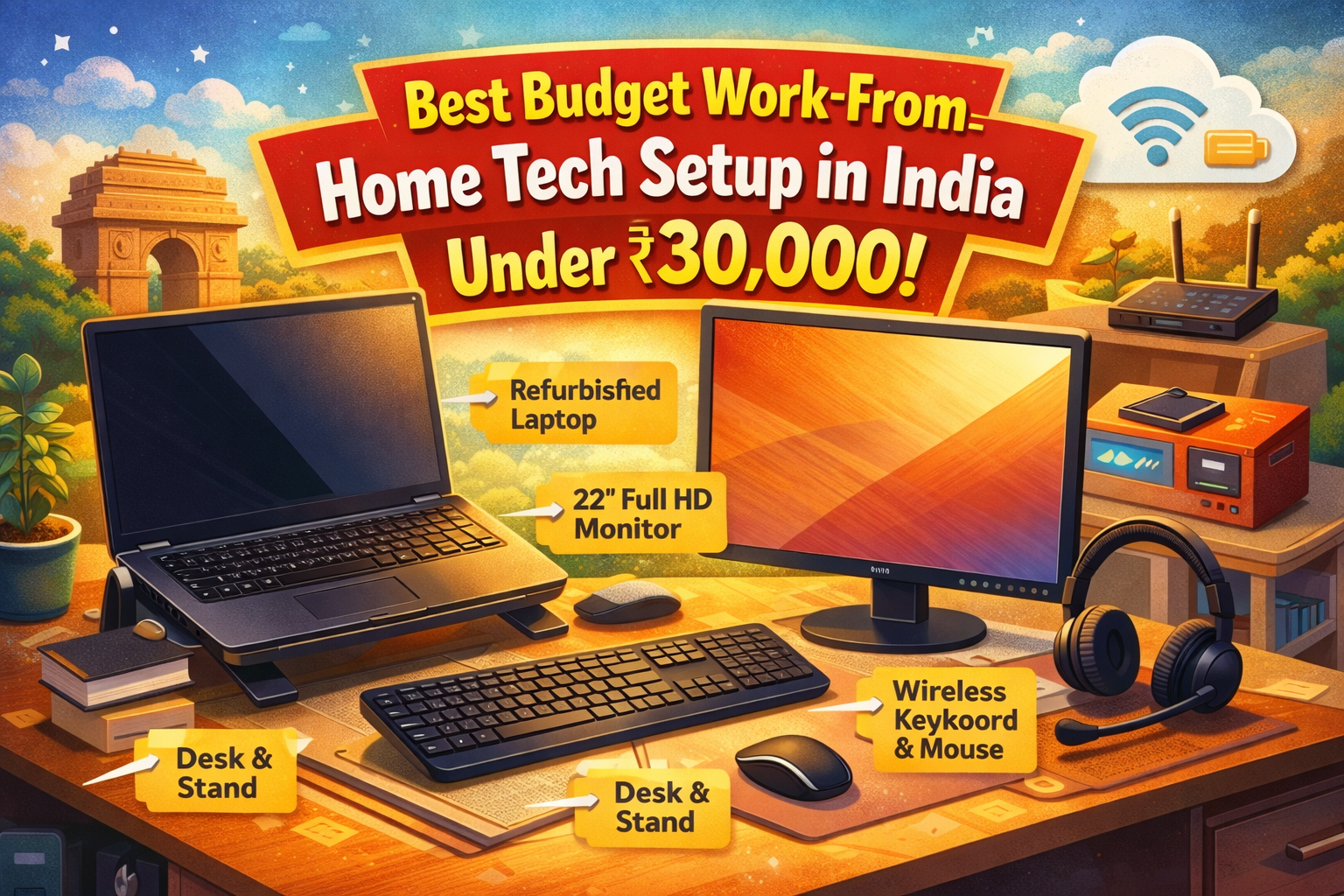
Remote work is no longer a trend—it’s a lifestyle. From IT professionals and freelancers to students and content creators, millions of Indians now work from home. But one question comes up again and again:
“How can I build a complete, comfortable work-from-home setup without spending too much?”
The good news: you don’t need a ₹1 lakh desk setup to be productive. With smart choices, you can build a powerful, professional WFH setup in under ₹30,000.
This guide is practical, Indian-market focused, and designed for real people—not influencers.
What a Good WFH Setup Really Needs
Before buying anything, understand the core requirements:
A reliable computing device Comfortable keyboard & mouse Clear audio for meetings Decent display Basic ergonomics Stable internet support
Everything else is optional.
Let’s build this step-by-step within budget.
1. Core System – Mini PC or Refurbished Laptop (₹14,000–₹18,000)
Instead of buying a brand-new low-end laptop, go for one of these:
Option A: Mini PC (Best Value)
Intel i5 / Ryzen 5 (Refurbished) 8GB RAM 256GB SSD
Price: ₹12,000–₹16,000
Add a basic monitor (₹4,000–₹5,000) and you get desktop-level performance at laptop price.
Option B: Refurbished Business Laptop
Dell Latitude / HP EliteBook i5 6th–8th Gen 8GB RAM, SSD
Price: ₹15,000–₹18,000
These are built for corporate use—more durable than budget consumer laptops.
Why refurbished?
Corporate-grade machines last longer and perform better than new cheap laptops.
2. Display – 22” Full HD Monitor (₹4,000–₹5,000)
A larger screen instantly boosts productivity.
Look for:
21.5” or 22” Full HD (1920×1080) IPS panel if possible
Benefits:
Less eye strain Better multitasking More professional posture
Once you use a big screen, you’ll never go back.
3. Keyboard & Mouse Combo (₹600–₹1,000)
A good input setup saves your wrists and improves speed.
Choose:
Wireless keyboard + mouse combo Silent keys Full-size layout
Popular brands in India:
Logitech Dell Zebronics HP
This small investment improves daily comfort a lot.
4. Audio – Wired Earphones or Budget Headset (₹300–₹800)
Clear voice matters in meetings.
You don’t need fancy headphones. A simple:
Wired earphone with mic, or Basic USB headset
is enough for Zoom, Teams, and Meet.
Avoid relying on laptop speakers—echo kills professionalism.
5. Desk Essentials (₹1,000–₹2,000)
You don’t need an expensive table.
Add:
Basic study table or desk Laptop stand (₹300–₹500) Mouse pad
A raised screen keeps your neck straight and reduces fatigue.
Sample Budget Breakdown
Item
Approx Cost
Refurbished Laptop / Mini PC
₹15,000
Monitor
₹4,500
Keyboard + Mouse
₹800
Headset
₹500
Desk Accessories
₹1,200
Total
₹22,000 – ₹25,000
You still have buffer for:
UPS Webcam Better chair
All within ₹30,000.
Internet & Power Backup (Often Ignored)
Your setup is useless without stability.
Minimum recommendations:
50–100 Mbps fiber connection Router placed near workstation Small UPS for modem (₹1,000–₹1,500)
A 30-minute backup is enough to finish meetings safely.
Who Is This Setup Perfect For?
IT & DevOps professionals BPO / Support staff Freelancers Students Online tutors YouTubers & bloggers Remote employees
It handles:
Office work Coding Video editing (basic) Browsing Meetings Content creation
Final Thoughts
Most people waste money because they buy emotionally:
“I need a powerful laptop.” “I need a gaming machine.” “I need premium gear.”
In reality, productivity comes from:
Comfort Stability Simplicity
A smart ₹25,000 setup beats a misused ₹80,000 laptop.
Start lean. Upgrade only when your work demands it.
Your home office should serve you, not your ego.