
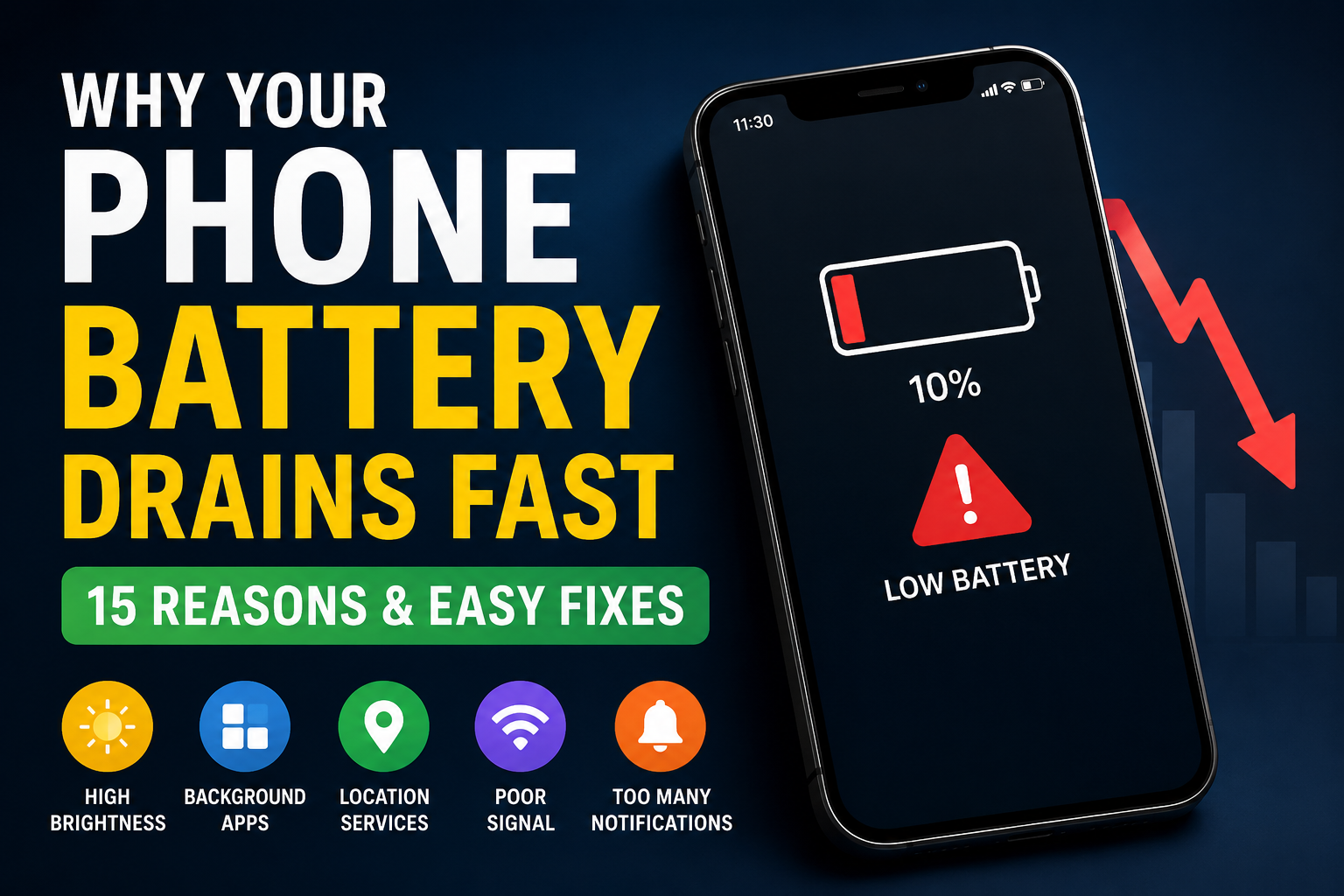
A smartphone battery that drains quickly can be frustrating, especially when you rely on your device for work, communication, and entertainment. While battery performance naturally declines over time, many cases of excessive battery drain can be fixed with a few simple changes.
In this guide, we’ll explain the most common reasons your phone battery drains fast and show you practical solutions to improve battery life.
1. High Screen Brightness
Keeping your screen brightness at maximum is one of the biggest battery consumers.
Solution:
- Enable Auto Brightness.
- Reduce brightness manually when indoors.
- Use Dark Mode if your phone has an OLED display.
2. Apps Running in the Background
Many apps continue syncing and updating even when you’re not using them.
Solution:
- Close unnecessary background apps.
- Restrict background activity for apps you rarely use.
- Uninstall apps you no longer need.
3. Poor Network Signal
When your phone struggles to find a signal, it uses more power.
Solution:
- Use Wi-Fi whenever possible.
- Turn on Airplane Mode in areas with no signal.
- Disable 5G if you don’t need it.
4. Location Services Always On
GPS can significantly reduce battery life.
Solution:
- Allow location access only while using an app.
- Turn off location for apps that don’t need it.
5. Too Many Notifications
Frequent notifications constantly wake your screen and processor.
Solution:
- Disable notifications for non-essential apps.
- Keep alerts only for important apps like messaging and banking.
6. Outdated Software
Software updates often include battery optimization improvements.
Solution:
- Keep your phone updated with the latest operating system.
7. Old Battery
Lithium-ion batteries lose capacity over time.
Solution:
- Check your battery health.
- Replace the battery if its health has significantly degraded.
8. Live Wallpapers and Widgets
Animated wallpapers and constantly updating widgets consume extra power.
Solution:
- Use a static wallpaper.
- Remove widgets you rarely use.
9. Bluetooth and NFC Left On
These features continue searching for nearby devices.
Solution:
- Turn them off when they’re not needed.
10. Battery-Hungry Apps
Games, navigation apps, video editors, and social media platforms can use a large amount of power.
Solution:
- Check Battery Usage in Settings.
- Limit or replace apps that consume excessive battery.
Tips to Extend Battery Life
- Enable Battery Saver Mode.
- Keep your phone between 20% and 80% charge when possible.
- Avoid exposing your phone to excessive heat.
- Restart your phone once every few days.
- Use an original or certified charger.
Frequently Asked Questions
Does Dark Mode save battery?
Yes. On phones with OLED displays, Dark Mode can reduce power consumption because black pixels require less energy.
Should I charge my phone overnight?
Modern smartphones manage charging automatically, but keeping a battery at 100% for long periods every day may contribute to faster wear over time.
Is fast charging harmful?
Fast charging is generally safe when using compatible chargers and cables approved for your device.
Final Thoughts
Most battery problems are caused by everyday settings rather than hardware failures. By adjusting brightness, limiting background activity, managing location services, and keeping your phone updated, you can noticeably improve battery life without installing any extra apps.
If your battery continues to drain unusually fast after trying these steps, it may be time to have the battery tested or replaced.