
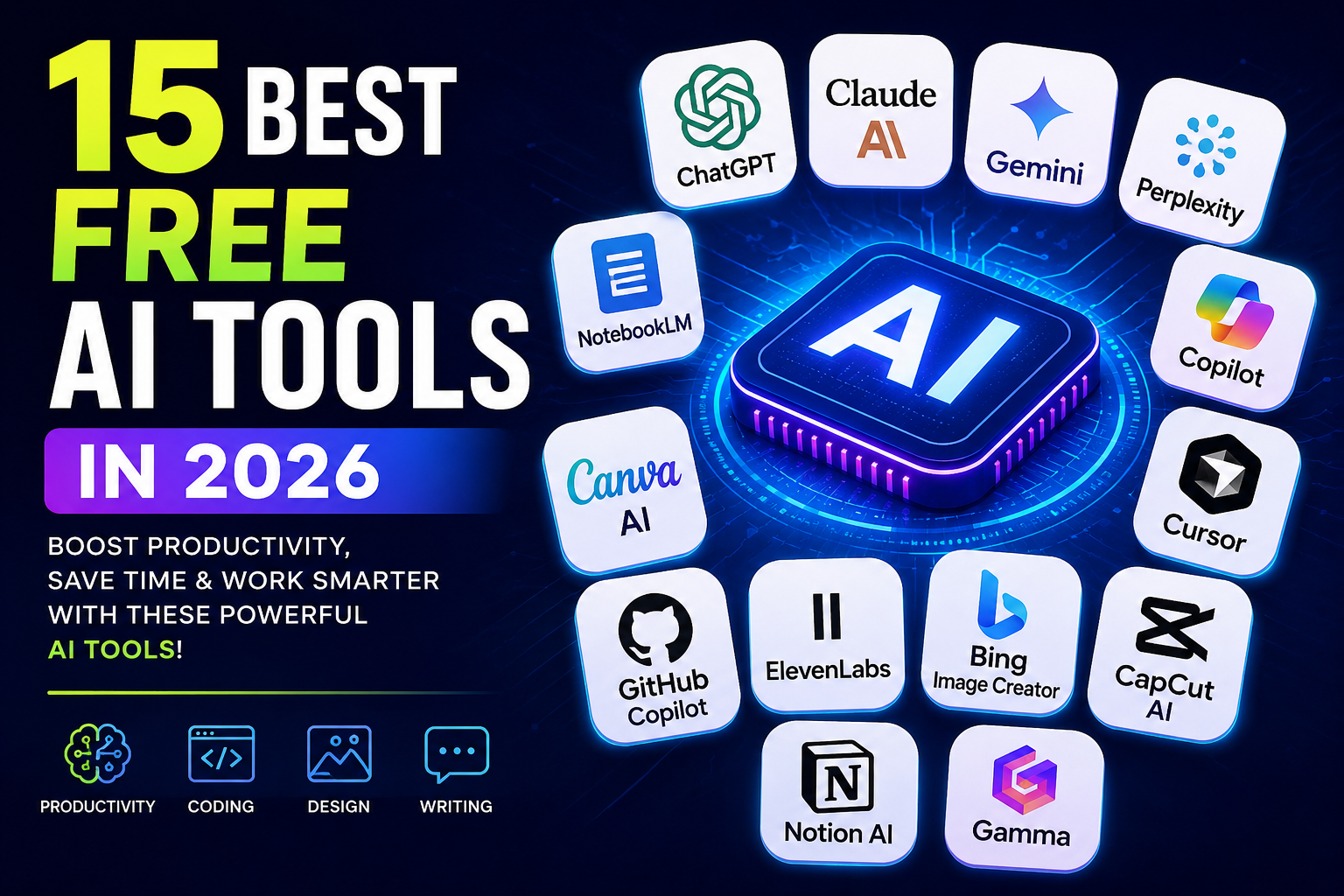
Meta Title: 15 Best Free AI Tools in 2026 (Tested & Ranked)
Meta Description: Discover the best free AI tools in 2026 for writing, coding, research, image generation, presentations, and productivity. Compare features, advantages, disadvantages, and free plans.
Artificial Intelligence is transforming the way we work, study, create content, and solve everyday problems. Whether you’re a student, software developer, content creator, marketer, freelancer, or business owner, AI tools can significantly improve your productivity while reducing manual effort.
The best part is that many leading AI platforms offer free plans with powerful capabilities. You don’t need to spend hundreds of dollars every month to benefit from artificial intelligence. In this guide, we’ve carefully selected the best free AI tools available in 2026 based on features, usability, performance, and overall value.
Let’s explore the tools that deserve a place in your daily workflow.
Quick Comparison
AI Tool Best For Free Plan ChatGPT Writing & Productivity Yes Claude Long Documents Yes Google Gemini Google Workspace Yes Perplexity AI Research Yes NotebookLM Study & Research Yes Microsoft Copilot Windows Productivity Yes Canva AI Graphic Design Yes Cursor Coding Yes GitHub Copilot Programming Limited Free ElevenLabs Voice Generation Yes Bing Image Creator AI Images Yes Stable Diffusion Open Source Images Yes Gamma Presentations Yes CapCut AI Video Editing Yes Notion AI Productivity Limited Free
1. ChatGPT
ChatGPT remains one of the most popular AI assistants in the world. It helps users write articles, answer questions, summarize documents, generate ideas, solve coding problems, translate languages, and much more.
Best For
- Blog writing
- Email writing
- Programming
- Learning
- Business productivity
Pros
- Easy to use
- Excellent writing quality
- Supports coding assistance
- Image understanding capabilities
- Regular improvements
Cons
- Daily usage limits on the free plan
- Some advanced models require a paid subscription
2. Claude
Claude has become one of the strongest competitors in the AI industry thanks to its natural writing style and impressive reasoning capabilities. It performs particularly well when analyzing lengthy reports, research papers, contracts, and technical documentation.
Why Choose Claude?
- Handles very large documents
- Produces natural responses
- Excellent for students
- Useful for professionals
- Strong coding support
Advantages
- Fast responses
- Clean interface
- Great writing quality
- Powerful document analysis
3. Google Gemini
Google Gemini integrates deeply with Google’s ecosystem, making it an excellent AI assistant for Gmail, Google Docs, Sheets, Drive, and Search. If you already use Google services every day, Gemini can streamline many repetitive tasks.
Main Features
- Research assistance
- Email drafting
- Spreadsheet help
- Document summarization
- Google Workspace integration
Ideal Users
- Students
- Office professionals
- Teachers
- Business teams
4. Perplexity AI
Perplexity AI is one of the best AI-powered search assistants available today. Unlike traditional chatbots, it provides citations and sources alongside many answers, making it particularly valuable for research and fact-checking.
Best Uses
- Academic research
- News summaries
- Technical explanations
- Market research
- Learning new topics
Pros
- Fast answers
- Source citations
- Simple interface
- Accurate summaries
5. NotebookLM
NotebookLM is designed for students, educators, researchers, and professionals who work with large amounts of information. You can upload PDFs, notes, research papers, or documents and ask AI to summarize, explain, or answer questions based on your own material.
Key Features
- PDF analysis
- Study guides
- Research summaries
- Question answering
- Personal knowledge organization
Why Students Love It
NotebookLM can dramatically reduce the time required to study long textbooks or research papers by creating concise summaries and answering questions from uploaded materials.
6. Microsoft Copilot
Microsoft Copilot is an AI assistant built into the Microsoft ecosystem. If you regularly use Windows, Microsoft 365, Word, Excel, PowerPoint, or Edge, Copilot can help automate repetitive tasks and improve productivity.
Best For
- Office productivity
- Document creation
- Excel formulas
- Business reports
- Email drafting
Key Features
- AI-powered writing assistance
- Spreadsheet analysis
- Presentation creation
- Coding support
- Web search integration
Pros
- Excellent integration with Microsoft apps
- Easy to use
- Reliable AI responses
- Suitable for professionals
Cons
- Some advanced features require Microsoft 365 subscriptions.
7. Canva AI
Canva AI has transformed graphic design by allowing anyone to create professional-looking visuals without prior design experience. Whether you need social media graphics, presentations, YouTube thumbnails, or marketing materials, Canva AI simplifies the entire process.
Popular Uses
- Instagram posts
- Facebook banners
- YouTube thumbnails
- Business presentations
- Marketing materials
- Logos
AI Features
- Magic Design
- AI Image Generator
- Background Remover
- Magic Write
- Presentation Generator
Pros
- Beginner friendly
- Huge template library
- Cloud storage
- Fast editing tools
8. Cursor
Cursor is rapidly becoming one of the favorite AI code editors among developers. Built with AI at its core, Cursor can understand your codebase, suggest improvements, generate new code, and even fix bugs automatically.
Supported Languages
- Python
- JavaScript
- TypeScript
- React
- Next.js
- Java
- C++
- Go
Best Features
- Smart code completion
- AI debugging
- Project understanding
- Code explanation
- Refactoring assistance
Pros
- Fast coding workflow
- Excellent AI suggestions
- Modern interface
- Supports multiple programming languages
9. GitHub Copilot
GitHub Copilot acts like an AI pair programmer. It predicts code, writes functions, explains existing code, and speeds up software development.
Ideal For
- Professional developers
- Computer science students
- Open-source contributors
- Software engineers
Main Features
- Code completion
- Function generation
- Documentation assistance
- Bug fixing suggestions
- Learning programming concepts
Pros
- Very accurate suggestions
- Saves development time
- Supports dozens of languages
- Works with popular IDEs
10. ElevenLabs
If you’re looking for realistic AI-generated voices, ElevenLabs is one of the best platforms available. It produces natural speech suitable for YouTube videos, podcasts, audiobooks, presentations, and business projects.
Best Uses
- YouTube narration
- Podcasts
- Audiobooks
- Voiceovers
- E-learning content
Top Features
- Realistic AI voices
- Multiple languages
- Voice cloning (paid plans)
- Fast speech generation
- High-quality audio output
Pros
- Excellent voice quality
- Easy-to-use interface
- Free tier available
- Suitable for content creators
Tips for Choosing the Right AI Tool
With so many AI tools available, selecting the right one depends on your needs. Here are a few recommendations:
- For writing: ChatGPT or Claude
- For research: Perplexity AI or NotebookLM
- For coding: Cursor or GitHub Copilot
- For presentations: Gamma
- For graphic design: Canva AI
- For voice generation: ElevenLabs
- For productivity: Microsoft Copilot
11. Bing Image Creator
Bing Image Creator allows users to generate high-quality AI images using simple text prompts. Whether you’re creating blog featured images, social media graphics, concept art, or wallpapers, it offers a quick and user-friendly experience.
Best For
- Blog featured images
- Social media graphics
- Marketing visuals
- Creative artwork
- Presentations
Pros
- Easy to use
- High-quality image generation
- Free credits available
- Fast image creation
12. Stable Diffusion
Stable Diffusion is one of the most popular open-source AI image generation models. Unlike many cloud-based tools, it can also be run locally on compatible hardware, giving users greater flexibility and customization.
Best Features
- Open source
- Highly customizable
- Large community support
- Multiple art styles
- Commercial use options depending on implementation
Ideal For
- Graphic designers
- Digital artists
- Developers
- Creative professionals
13. Gamma
Gamma is an AI-powered presentation tool that helps users create professional slides in minutes. Instead of spending hours designing presentations, you can generate polished decks from a simple prompt.
Popular Uses
- Business presentations
- Sales pitches
- School projects
- Training materials
- Reports
Pros
- Beautiful templates
- Fast presentation generation
- Easy sharing
- Modern design
14. CapCut AI
CapCut AI includes several intelligent editing features that make video creation much easier. Content creators can quickly produce videos for YouTube Shorts, Instagram Reels, Facebook, and TikTok.
Key Features
- Auto captions
- AI background removal
- Text-to-speech
- Video enhancement
- Smart effects
Best For
- YouTube creators
- Instagram creators
- TikTok videos
- Marketing videos
15. Notion AI
Notion AI combines note-taking, task management, and AI writing into a single workspace. It’s an excellent choice for individuals and teams who want to stay organized while improving productivity.
Best Features
- Meeting summaries
- Content writing
- Task organization
- Project planning
- Brainstorming ideas
Pros
- Clean interface
- Excellent collaboration tools
- Productivity-focused
- Simple learning curve
Which AI Tool Should You Choose?
Requirement Recommended Tool Best Overall AI Assistant ChatGPT Best for Writing Claude Best for Research Perplexity AI Best for Students NotebookLM Best for Coding Cursor Best for Programming GitHub Copilot Best for Graphic Design Canva AI Best for AI Images Bing Image Creator Best for Video Editing CapCut AI Best for Presentations Gamma
Frequently Asked Questions (FAQs)
Are free AI tools really free?
Yes. Most AI platforms offer free plans with daily or monthly usage limits. If you need more requests, advanced models, or premium features, you can upgrade to a paid subscription.
Which AI tool is best for students?
NotebookLM, ChatGPT, Claude, and Perplexity AI are excellent choices for studying, summarizing notes, conducting research, and understanding complex topics.
Which AI tool is best for programmers?
Cursor and GitHub Copilot are among the best AI coding assistants. They help developers write cleaner code, debug errors, and improve productivity.
Can AI tools help content creators?
Absolutely. AI tools can assist with writing blog posts, creating social media graphics, generating videos, producing voiceovers, designing presentations, and brainstorming content ideas.
Which AI tool creates images?
Bing Image Creator and Stable Diffusion are two popular options for generating AI images from text prompts.
Final Thoughts
Artificial intelligence is no longer a futuristic concept—it’s a practical tool that millions of people use every day to save time and improve productivity. Whether you’re writing articles, researching information, creating videos, designing graphics, or developing software, the right AI tool can make your workflow faster and more efficient.
Instead of relying on a single platform, consider combining several tools based on your needs. For example, use ChatGPT for brainstorming, Perplexity AI for research, Canva AI for design, Cursor for coding, and CapCut AI for video editing. This combination can significantly boost productivity while keeping costs low.
As AI technology continues to evolve, expect even more powerful free tools to become available. Bookmark this guide and check back regularly, as we’ll update it with the latest AI tools, features, and recommendations throughout the year.
Have You Tried Any of These AI Tools?
Which AI tool is your favorite? Share your experience in the comments below. If you found this guide helpful, don’t forget to share it with friends and colleagues who want to work smarter using AI.
Last Updated: July 2026